
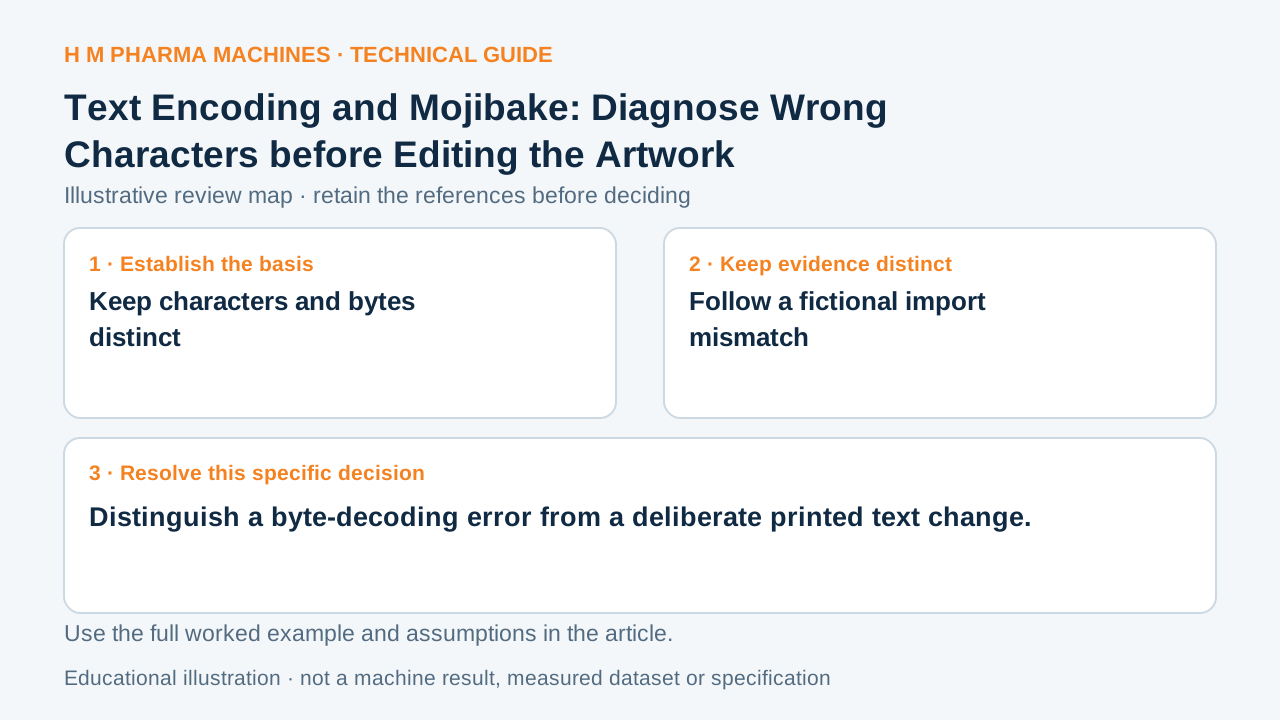
An encoding mismatch can turn valid source bytes into a different visible string. Preserve the original data while locating the decoding step.
Keep characters and bytes distinct
An encoding maps a character sequence to a byte sequence and back. UTF-8 is one Unicode encoding form. The receiving application must interpret the bytes using the applicable encoding rather than assuming that every non-ASCII byte has the same meaning across formats. Primary reference: Unicode Consortium: Unicode encoding forms and UTF-8.
A decoding mismatch can create wrong characters even when a font contains their glyphs. That differs from a correct character displayed with a missing-glyph box. Inspect the imported sequence and its encoding before attributing every damaged word to the font or revising the approved wording.
Follow a fictional import mismatch
Consider the character é encoded in UTF-8 as hexadecimal bytes C3 A9. Interpreting those two bytes separately as Latin-1 yields the two characters à and © instead. The resulting visible pair is commonly encountered as é. The underlying source bytes and intended character were different from that mistaken reading.
This small example illustrates one specific mismatch, not a universal repair algorithm. Repeated decoding, replacement markers or discarded data can make an actual damaged string less straightforward. Do not automatically run a conversion over every production field because one example looked similar.
Retain a testable import route
Keep the original source file, its declared encoding and the exact imported text for the review. Identify where the bytes entered the artwork system and whether another export or transport step transformed them. Compare a representative multilingual sample against the approved character sequence.
Once the cause is identified, verify the corrected route with the complete expected strings and their final rendering. Preserve evidence of both data and appearance. A visually repaired screenshot does not establish that the next import will retain the approved text unless the actual encoding path has been checked.
Customer Questions
Can the wrong decoder produce valid-looking characters?
Yes. The resulting sequence can be different from the intended text.
Is an encoding error the same as a missing font glyph?
No. Check text data and rendering support separately.
Should the original file be retained?
Yes. It provides the byte record needed to trace the import.
Primary References
These references support the technical principles discussed in this guide. The worked examples and review questions are educational.
Discuss Your Machine Requirement
Share your product, container, required output and the evidence needed for your technical review.
Request a Technical Review