
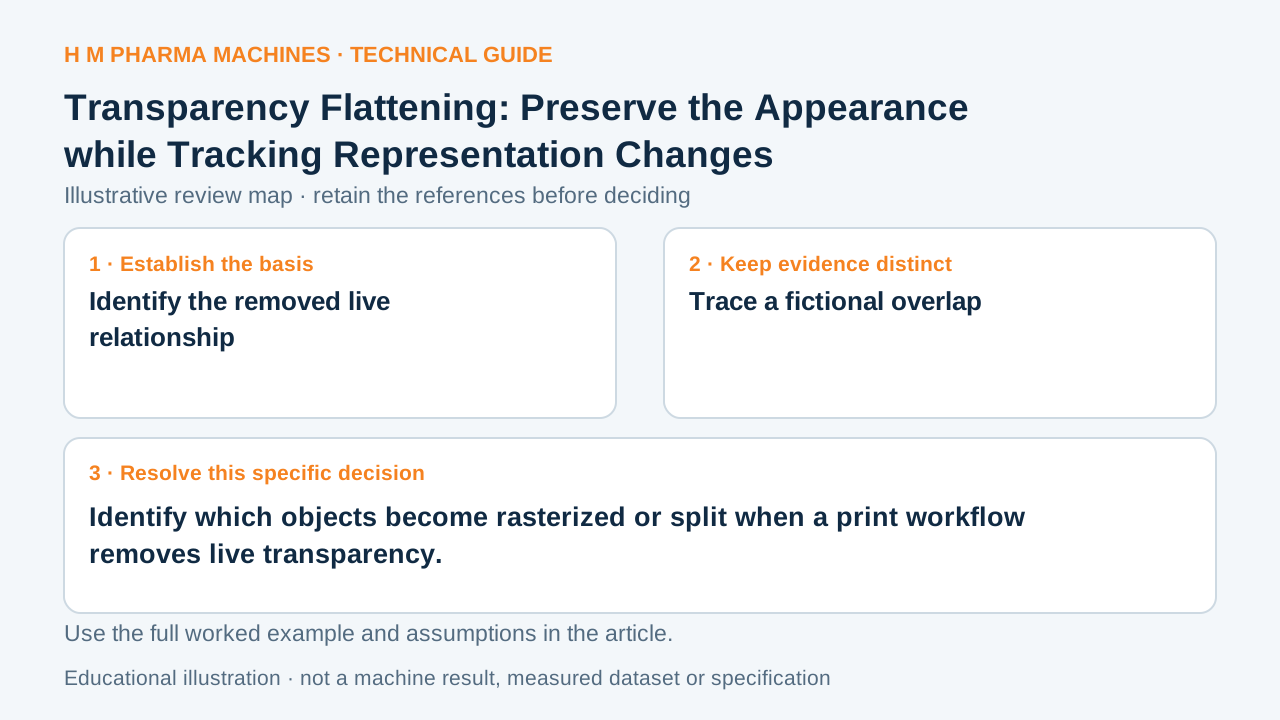
Flattening can preserve a composite appearance while changing the objects that produced it. Keep those representation changes with the released artwork.
Identify the removed live relationship
Transparency flattening resolves interacting artwork into output regions, which may include both vector and raster content. The affected objects depend on the artwork and settings. It is not accurate to assume every flattened document becomes one raster picture. Primary reference: Adobe: transparency flattening.
A live transparent overlay is a relationship among objects. After flattening, its appearance may be retained through different output objects while that original relationship is lost. Keep this distinction visible when an artwork release is expected to support future editing or separation review.
Trace a fictional overlap
Imagine a translucent panel overlaps a vector logo, small text and a raster photograph. A hypothetical flattened export divides the overlap into output regions. The visual composite may resemble the source, yet some text-adjacent areas or effects can be represented differently from their original objects.
This example does not predict a particular application's region boundaries, raster resolution or print defect. It identifies where the comparison needs evidence. The actual exported file must be inspected rather than assuming the source layer structure tells the receiver exactly what survived.
Review the affected output regions
Preserve the live master and identify the export route and settings used for the release copy. Compare the affected text, edges, colour separations and overlaps in the actual output. Check regions at their final physical scale instead of reviewing only a small whole-page thumbnail.
If the receiver changes compatibility or flattener settings, assess the resulting file again. A visually approved source does not automatically approve every representation change made later. The handoff should identify the exact released copy and the evidence that its rendered appearance and required separation behaviour remain appropriate for the job.
Customer Questions
Does flattening always make the entire page raster?
No. The result can contain vector and raster regions.
Should the live master be retained?
Yes. It preserves the original object relationships for later authorized work.
What needs comparison after another export?
Review the affected objects and overlaps in the new released output.
Primary References
These references support the technical principles discussed in this guide. The worked examples and review questions are educational.
Discuss Your Machine Requirement
Share your product, container, required output and the evidence needed for your technical review.
Request a Technical Review