
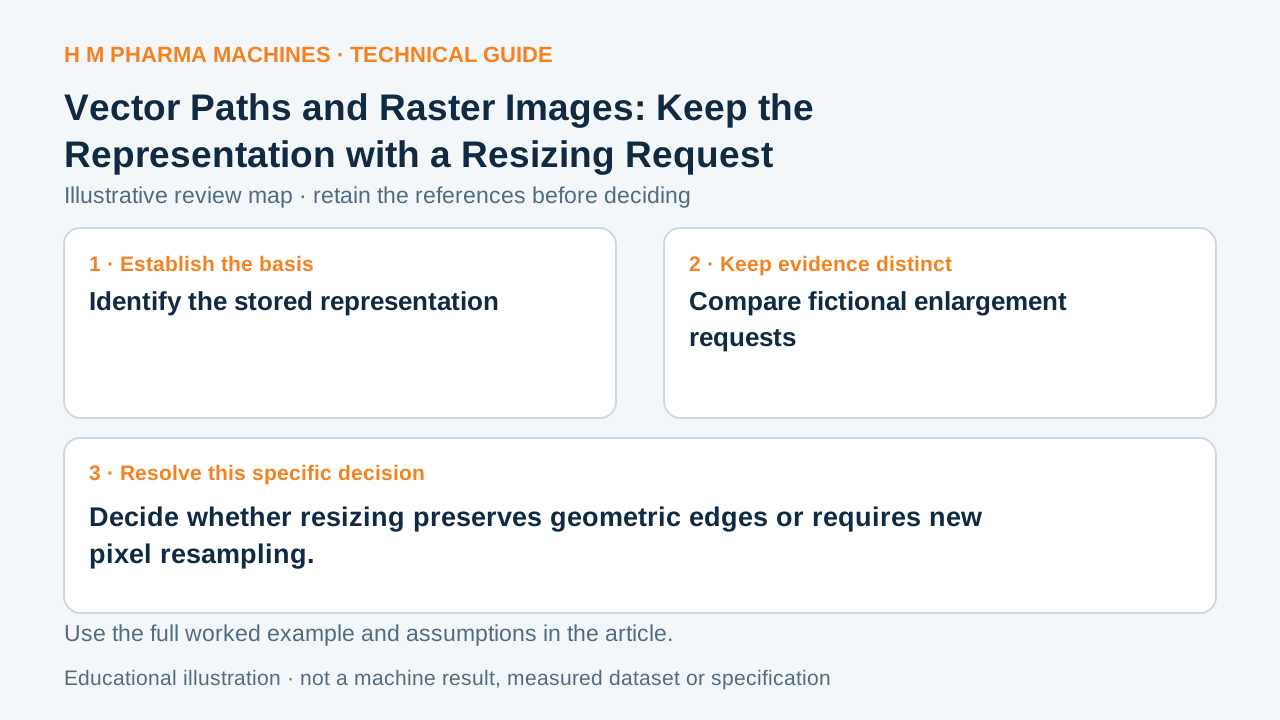
Two graphics can look alike at one size yet behave differently when resized. The representation inside the file determines what the resizing operation changes.
Identify the stored representation
Raster content stores an image grid of pixel values. Vector content defines geometric shapes and paths that can be rendered at different sizes. A container such as PDF can include both representations, so the filename extension alone does not identify every element inside it. Primary reference: Adobe: raster and vector representations.
Ask which part of the artwork is being resized. A vector logo and an embedded raster photograph in one file do not share the same source-detail basis. Describing the whole document as vector can hide the pixel grid that still limits an embedded image.
Compare fictional enlargement requests
Imagine a logo built from paths alongside a 400-pixel-wide photograph. Doubling their placed width scales the logo's geometry. It also spreads the photograph's unchanged samples over twice the physical width unless a separate resampling operation changes that grid.
The outline paths may remain mathematically defined, but the final output is still limited by the actual renderer and printing process. The example therefore distinguishes file representation, not guaranteed printed sharpness or an acceptable photograph resolution. A newly generated image grid does not recreate detail absent from the original photograph.
Review each affected element
Inspect the released document for placed-image dimensions and any rasterized effects. Preserve the original sources and identify the scale applied to each. If a supplier supplies an enlarged preview, retain the source representation so a reviewer can distinguish new geometry from a resampled presentation.
Check the final physical-size proof at the actual task locations, including small text and image edges. A vector element may still have a raster effect or be rasterized during export. Record those output changes before treating a scalable container as proof that every part of the artwork preserves its intended detail.
Customer Questions
Is every PDF element necessarily vector?
No. A PDF may contain vector and raster content together.
Does enlarging a photograph create new source detail?
No. It changes the representation or placement of existing observations.
What should the handoff identify?
Identify each affected element's source representation and placed scale.
Primary References
These references support the technical principles discussed in this guide. The worked examples and review questions are educational.
Discuss Your Machine Requirement
Share your product, container, required output and the evidence needed for your technical review.
Request a Technical Review